 PanelSharp
Chrome extension
Blurry comic lettering, made crisp on your own device
PanelSharp opens the comic you are reading in a clean reader tab and sharpens small, compressed text and line art with AI upscaling that runs entirely in your browser. Nothing is uploaded.
Early access: AI enhancement is unlimited and free. Install now and get Pro free when it launches.
Before / after
The same web image, enhanced locally
Drag the slider to compare. Both sides come from the same low-resolution 800 px JPEG, shown at the same zoom.
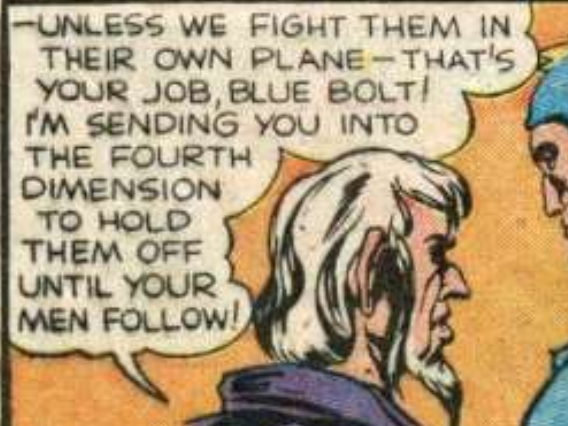 Original
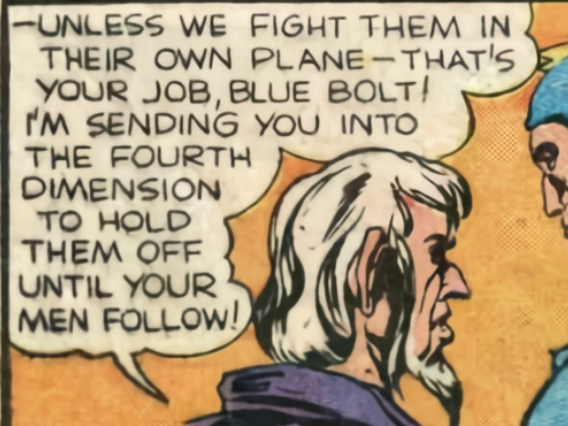 PanelSharp AI
Public-domain comic: Blue Bolt #5 (1940). AI: waifu2x model running locally with WebGPU.
Features
Built for reading, not for waiting
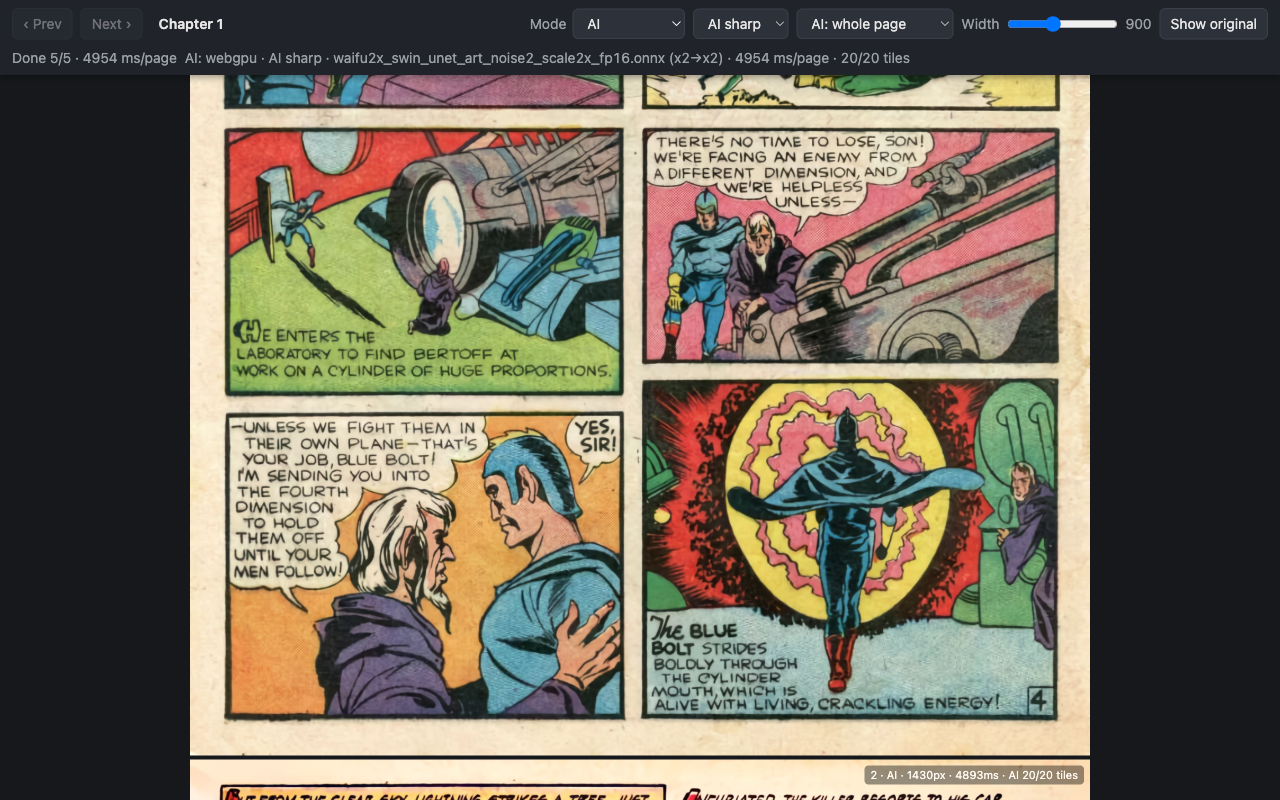
Open a chapter, click "Read sharpened", and the pages appear in a distraction-free reader.
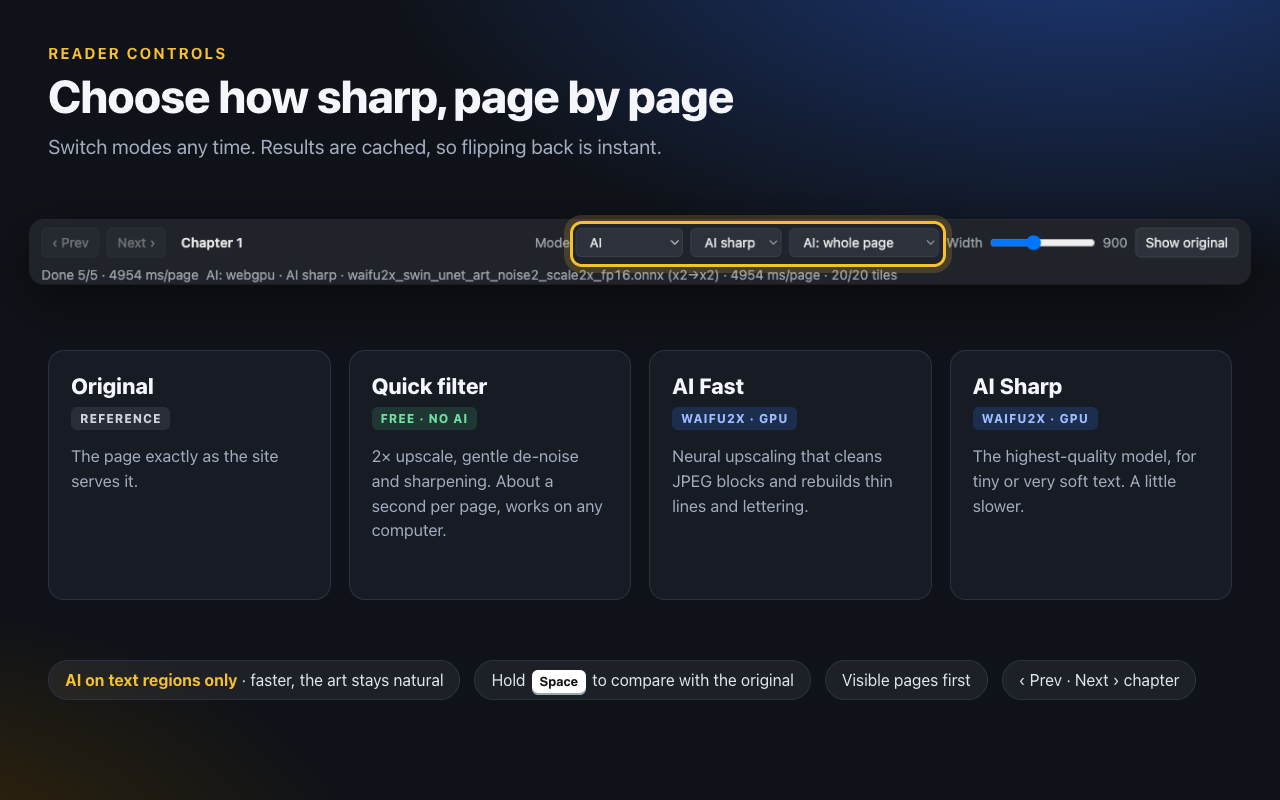
AI Fast & AI Sharp
2× AI upscaling removes JPEG noise and rebuilds thin lines and small lettering.
Text regions only
By default the AI runs only on speech bubbles and captions, so it is faster and the artwork keeps its original look.
Quick filter
An instant, non-AI 2× upscale with gentle de-noise and sharpening that works on any computer.
Visible pages first
The page on screen is enhanced first, then the next pages as you scroll.
Instant compare
Hold Space (or click "Show original") to compare with the original image at any time.
Comfortable reader
Adjustable page width, previous / next chapter buttons, and per-mode caching so switching back is instant.
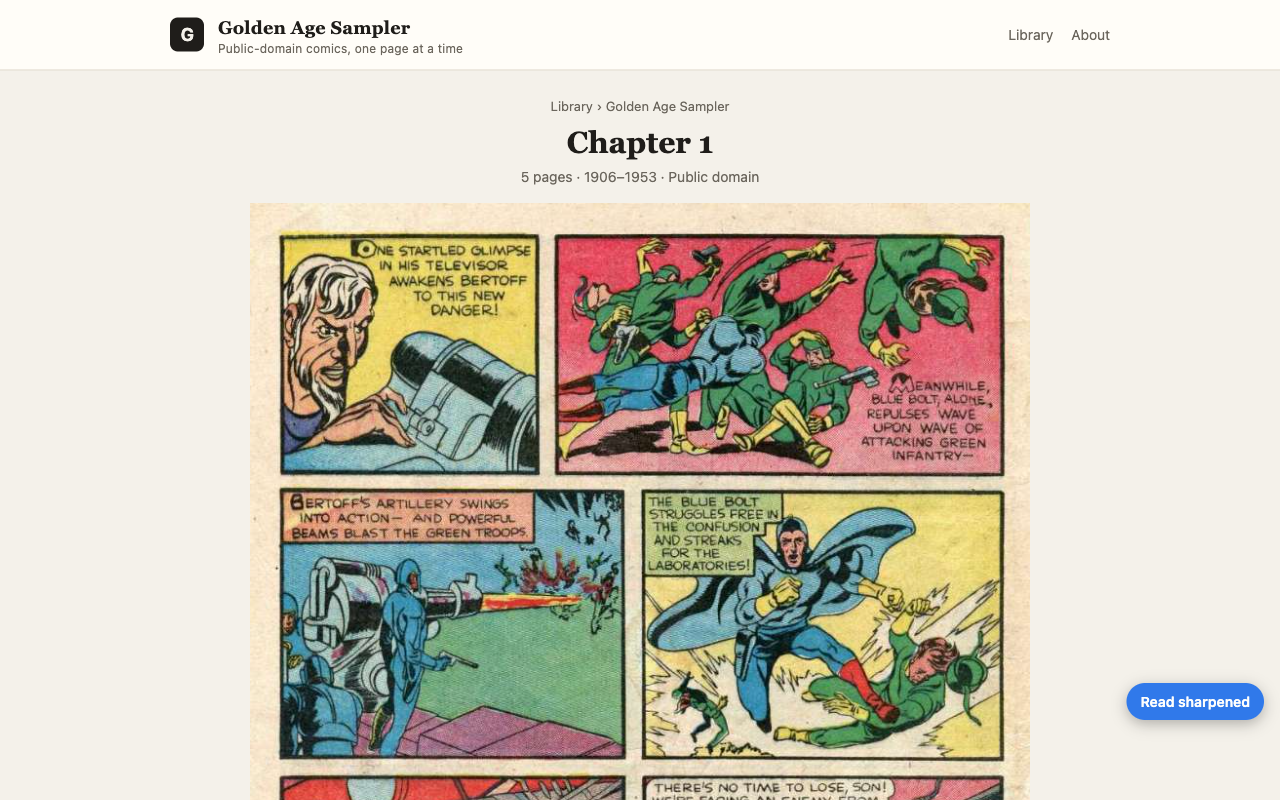
Works with comics, manga, manhwa and vertical web comics that show their pages as regular images: comics you own, public-domain collections, and web comics you can legally access.
Privacy
100% on-device
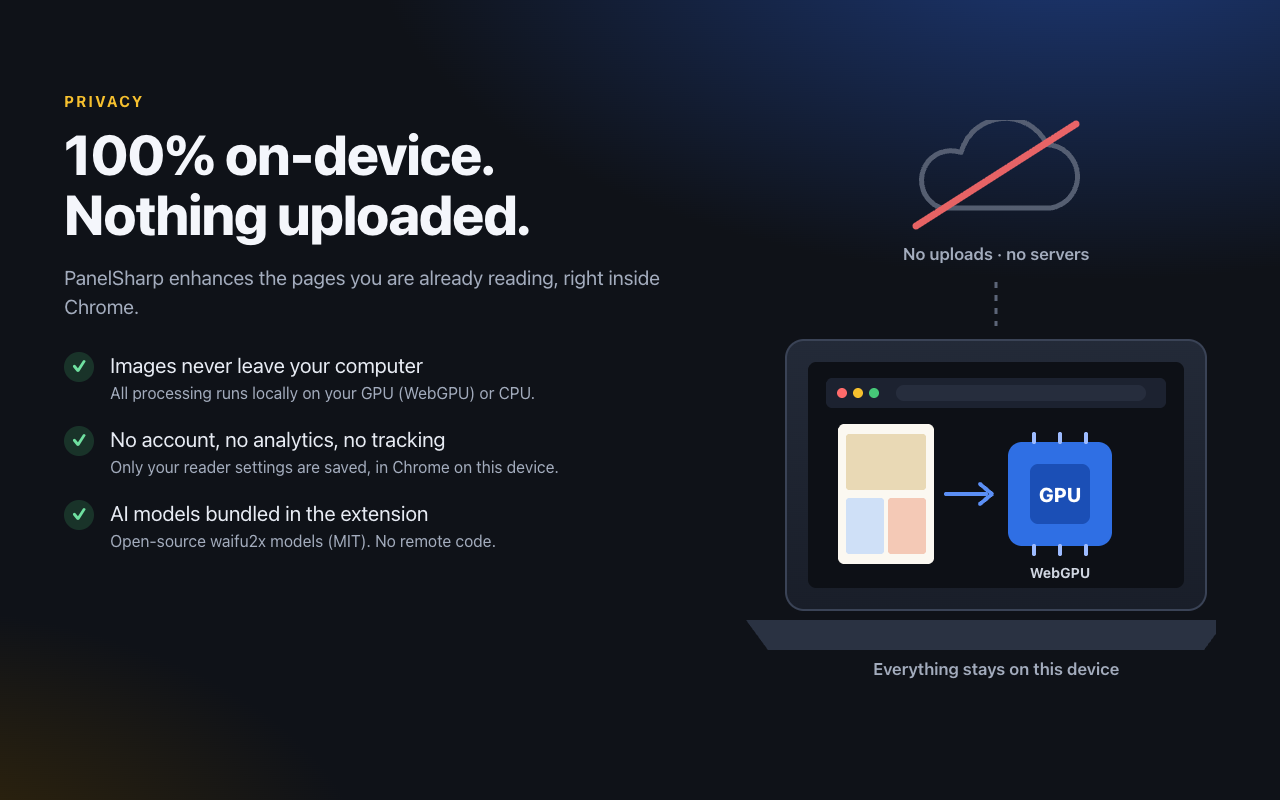
Every pixel is processed on your own CPU or GPU. PanelSharp has no image server, because it does not need one.
- Images, page addresses and browsing data are never uploaded
- No account, no analytics, no tracking, no ads
- AI models and all code ship inside the extension; no remote code
- Non-generative: it only upscales and cleans up what is already on the page. No prompts, nothing invented
- No license check during early access. When Pro launches, the license check will send only your license key and a random install ID
Pricing
Free to use. Pay once if you want more.
No subscription. No account.
Early access: AI unlimited, free. Right now every feature, including AI Fast and AI Sharp, is unlimited at no cost. The plans below start in a later update, and everyone who installs during early access gets Pro free as an early supporter.
Free
$0
- Quick filter, unlimited
- 30 AI-enhanced pages per day (unlimited during early access)
- AI Fast and AI Sharp modes
- All reader features
- 100% on-device
PanelSharp Pro
$3.99 once, not monthly
- Everything in Free
- Unlimited AI pages
- Lifetime license, all future updates
- Use on up to 3 devices / browser installs
- 14-day refund, no questions asked
Your license key arrives by email right after purchase. How to activate
PanelSharp Pro is sold by SELLER_NAME, not by Google. Payment is processed by Creem, our merchant of record, which handles checkout, sales tax/VAT and invoices. Prices in USD; local taxes may apply. See the terms and refund policy.
FAQ
Questions
Is this generative AI?
No. PanelSharp uses waifu2x, an open-source image upscaling and de-noising model. It works only with the pixels that are already in the image: there are no prompts, and it does not draw or invent new content.
Are my images uploaded anywhere?
No. All enhancement runs locally in your browser on your CPU or GPU. During early access PanelSharp makes no requests to us at all. When Pro launches, the only request to us will be the optional Pro license check, which sends your license key and a random install ID. See the privacy policy.
Which comics does it work with?
Comic pages shown as regular images on a web page: web comics, public-domain comic archives, and comics you own or legally access in your browser. Pages that draw on a canvas, scramble images or use protected viewers are not supported. PanelSharp only enhances images already displayed in your browser; it does not host, download, save or provide access to any content.
What do I need to run the AI modes?
A current version of Chrome on Windows, macOS or ChromeOS. The AI uses WebGPU; without a supported GPU it falls back to the CPU, which is slower. The Quick filter works on any computer.
What counts as an "AI page" on the free plan?
During early access there is no limit. Once the free plan starts, each comic page enhanced with an AI mode counts once per day. The counter is kept on your device and resets daily. The Quick filter is always unlimited.
How do I activate Pro?
Pro is not on sale yet; if you install during early access you will get it free. Once Pro launches: after checkout you receive a license key by email (it is also shown on the order confirmation page). Open the PanelSharp reader, go to Settings → PanelSharp Pro, paste the key and click Activate. Step-by-step guide.
Can I use Pro on more than one computer?
Yes, one license activates on up to 3 devices or browser installs. You can deactivate an old device in the extension to free a slot.
Can I get a refund?
Yes. Email us within 14 days of purchase for a full refund. Details are in the terms.
Can I try it before installing?
Yes: install the free version and open our demo comic page (public-domain comics, deliberately low quality), then click "Read sharpened".